LID SOUNDSMACOS 14+
Lidtone
Your MacBook's lid makes a sound as you open and close it: a creaky wooden door, a slide whistle, a rubber duck, a cat, a cartoon or a seagull.
- PRICE
- Free
- PAY WHAT YOU WANT
- VERSION
- 1.0.0
- 4.7 MB ·
Free. If you like it, you can chip in $1 or more.
Payments are processed by Polar (polar.sh) as merchant of record. Refunds within 14 days of purchase, no questions asked. Terms and refunds
Open the DMG and drag the app into Applications. It's signed and notarized by Apple.
SCREENS
WHAT IT DOES
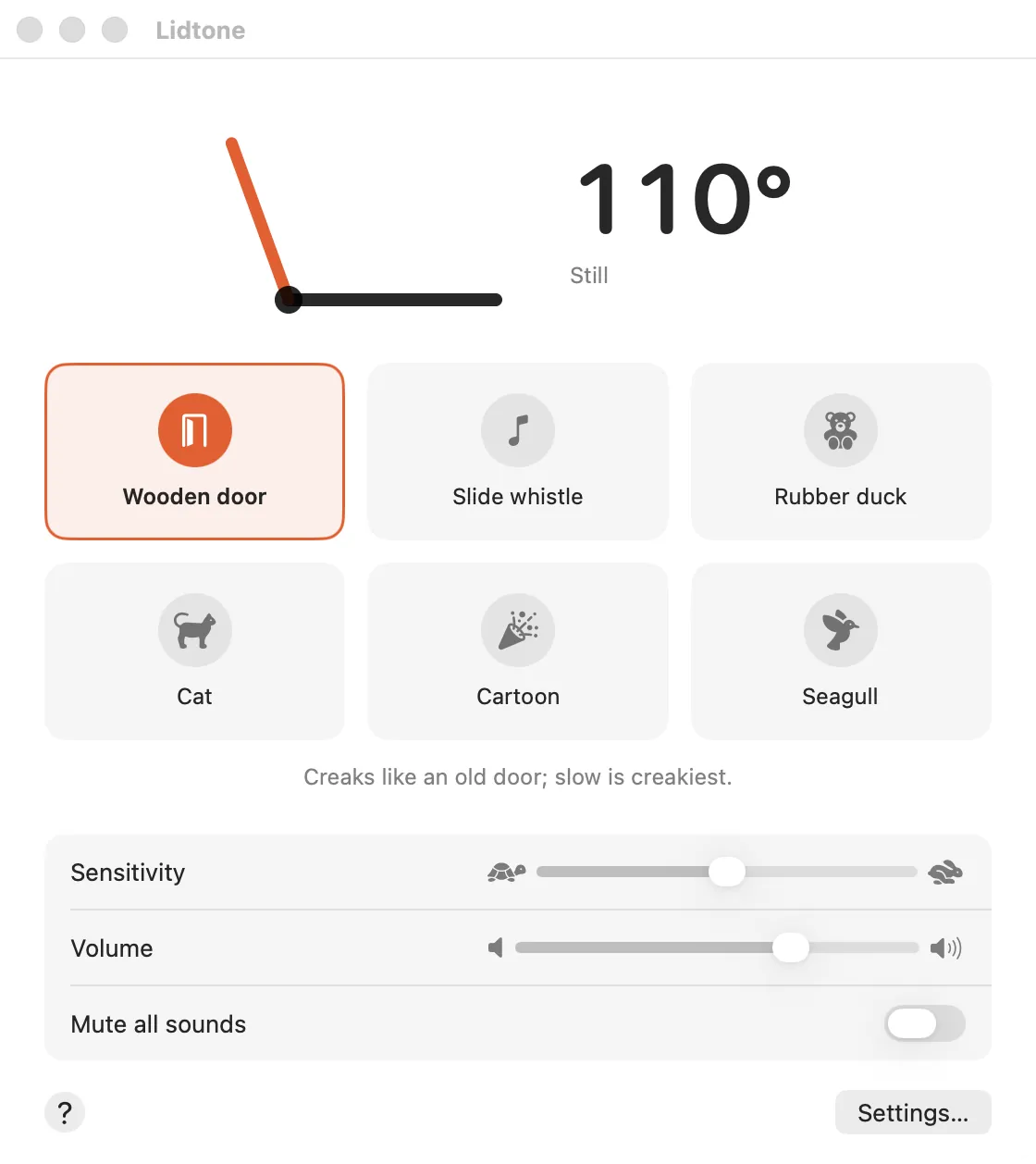
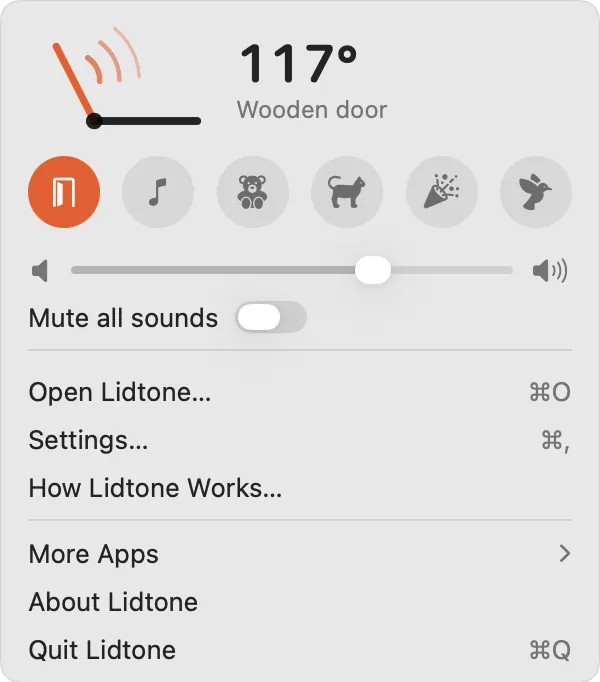
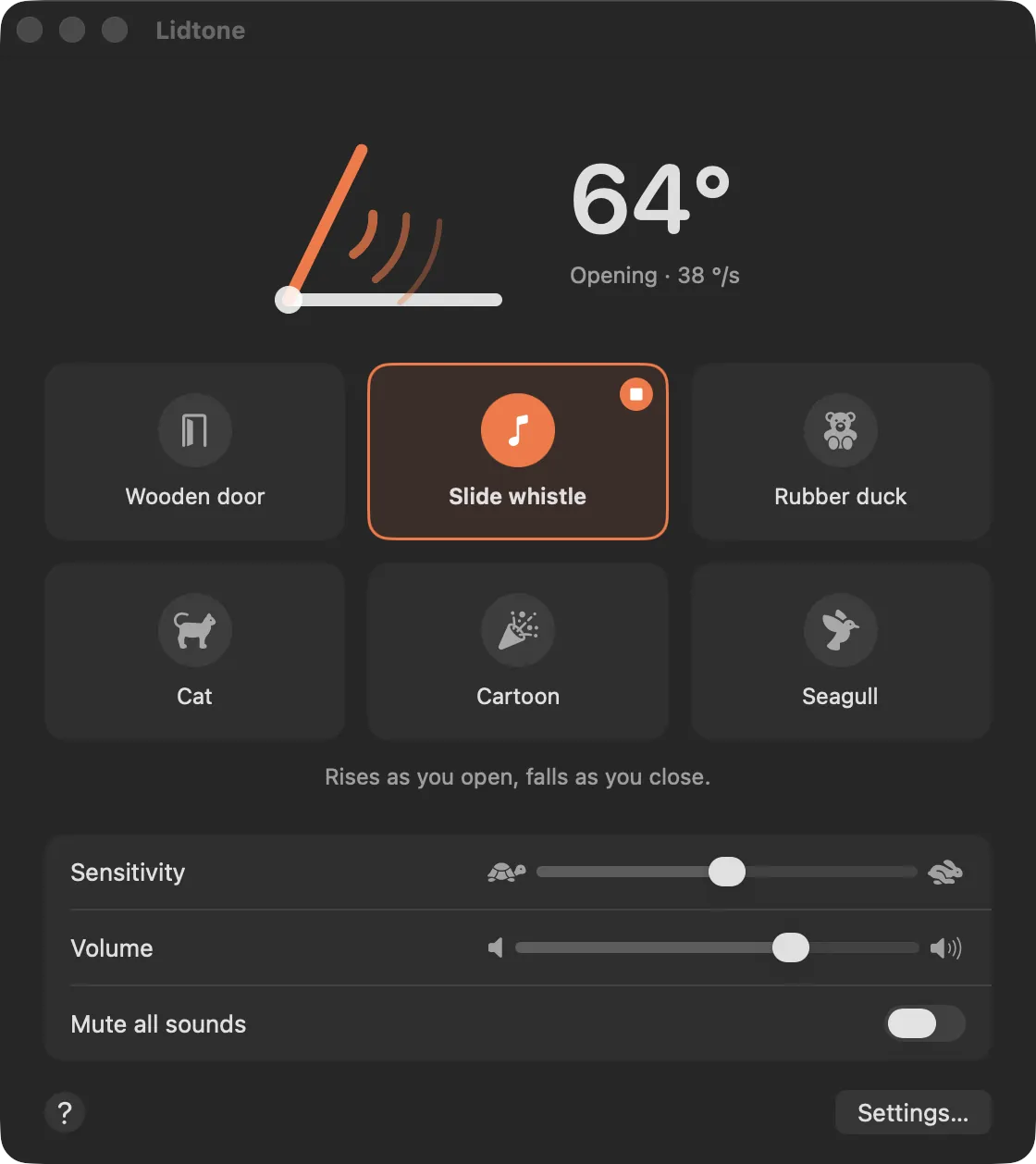
- Six sound modes, all from real recordings. The lid's movement drives the sound; it doesn't just play a clip.
- The wooden door creaks more the slower you open it; the slide whistle rises as you open and falls as you close.
- It says good morning on the first open of the day. You can add your own opening sound of up to 3 seconds.
- It reads the sensor often only while the lid moves, and not at all during sleep or with the lid closed.
REQUIREMENTS
- macOS
- 14 Sonoma or later
- Processor
- Apple silicon and Intel
- Mac
- A MacBook with a lid angle sensor: MacBook Air with M2 or later, 14-inch and 16-inch MacBook Pro (2021 or later), or the 16-inch MacBook Pro (2019). The M1 MacBook Air, the 13-inch MacBook Pro and desktop Macs don't have the sensor.
- Permissions
- None.
PRICE AND LICENSE
Free: no license and no trial.
If you enjoy it, you can chip in whatever you like through Polar ($1 or more).
Payments are processed by Polar (polar.sh) as merchant of record. Refunds within 14 days of purchase, no questions asked.
Your license key, receipts and refund requests are on your Polar customer page: polar.sh/erenclick/portal
Terms and refundsPRIVACY
It uses the lid sensor and any sound you add only on this Mac. It goes online only to check for updates (eren.click); no account, no license, no analytics.
Lidtone privacy policySUPPORT
destek@eren.click
If something breaks, or you have a question or an idea, write to this address. Mention the app and its version and I can look faster; the Support button in the app's About window fills in both.
SEND AN EMAILQUESTIONS
- Will it work on my MacBook?
- It works on MacBooks with a lid angle sensor; the list is under Requirements. Without the sensor, Lidtone tells you so when it opens.
- Can I get a refund?
- Yes. Within 14 days of purchase you get a refund, no questions asked. Polar handles it: ask through the link in your receipt email or on your Polar customer page (polar.sh/erenclick/portal). If you get stuck, write to destek@eren.click.
- How do updates work?
- Once a day the app checks eren.click for a new version. If there is one, it asks you first; say yes and it downloads and installs it. You can also check any time with “Check for Updates…” in its menu.