DESKTOP SEAGULLMACOS 14+
Desktop Gull
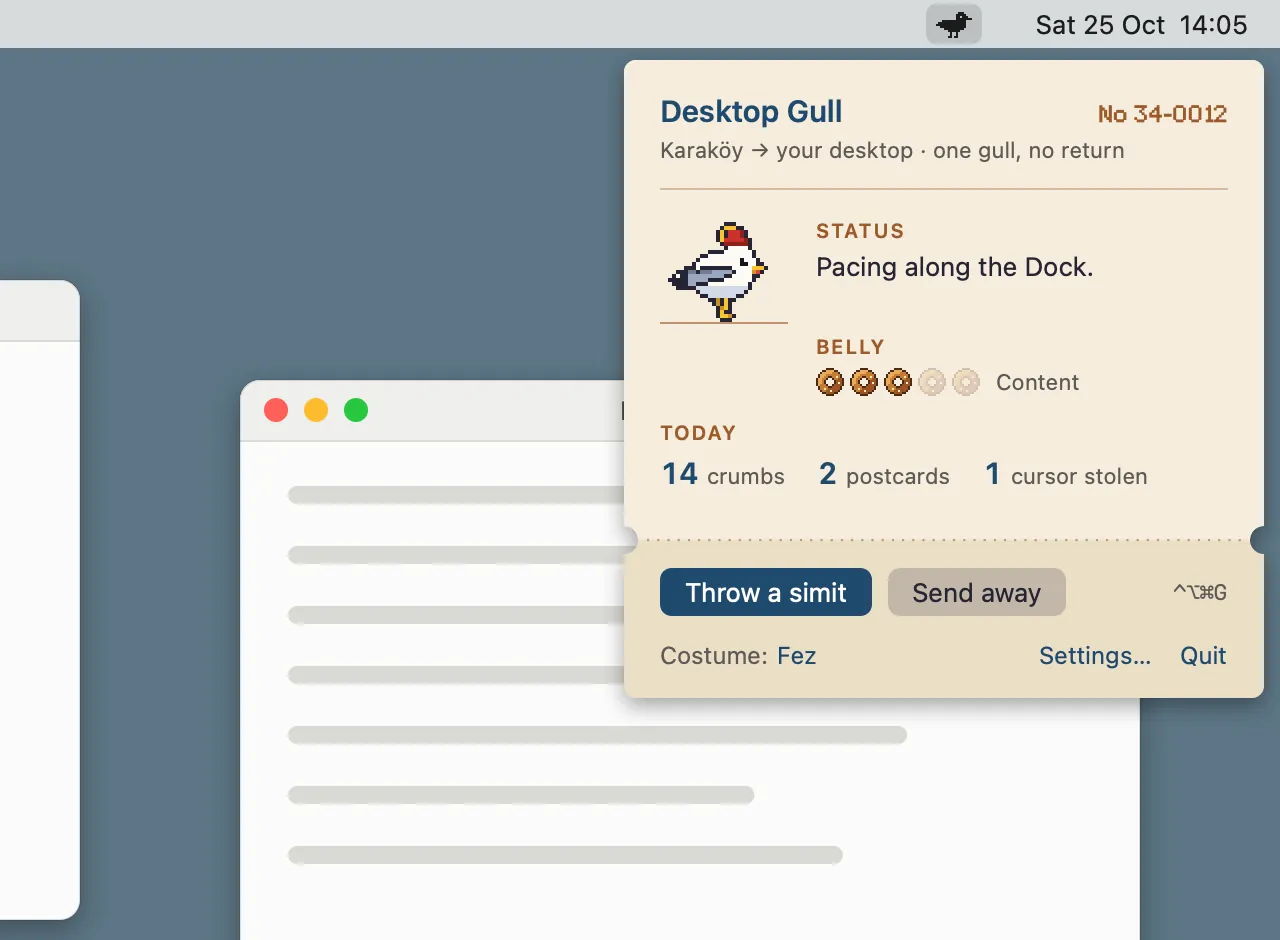
The Istanbul seagull from my game Simitkapan moves onto your Mac: it paces the Dock, grabs your cursor for a moment and brings you postcards.
- PRICE
- Free
- COSTUME PACK $1.99
- VERSION
- 1.0.0
- 3.3 MB ·
The gull is free; you can also buy the Costume Pack inside the app.
Payments are processed by Polar (polar.sh) as merchant of record. Refunds within 14 days of purchase, no questions asked. Terms and refunds
Open the DMG and drag the app into Applications. It's signed and notarized by Apple.
SCREENS

WHAT IT DOES
- It walks along the Dock and on top of your windows and flies between them; move the window it stands on and it rides along.
- It drops simit crumbs and now and then grabs your cursor for up to 1.5 seconds, never while you hold the mouse button.
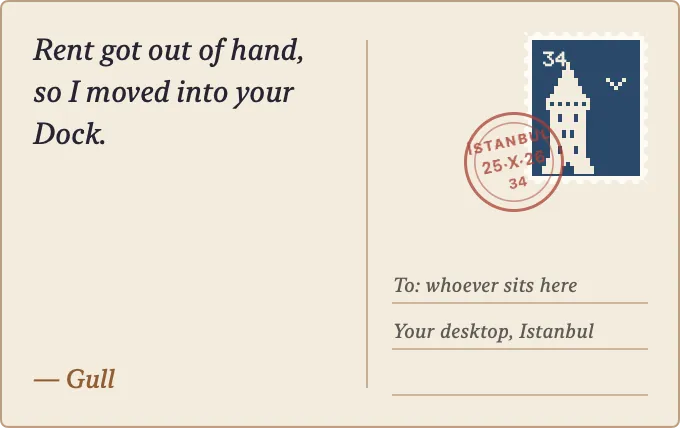
- It flies off screen and comes back with a postcard from Istanbul in its beak.
- Click it and it squawks and flees; throw it a simit from the menu bar and it calms down.
- It draws nothing while it stands still, and rests in Low Power Mode, on the lock screen and in full screen.
REQUIREMENTS
- macOS
- 14 Sonoma or later
- Processor
- Apple silicon and Intel
- Permissions
- None. Only the optional Cheeky mode asks for Accessibility.
PRICE AND LICENSE
The gull and all its habits are free.
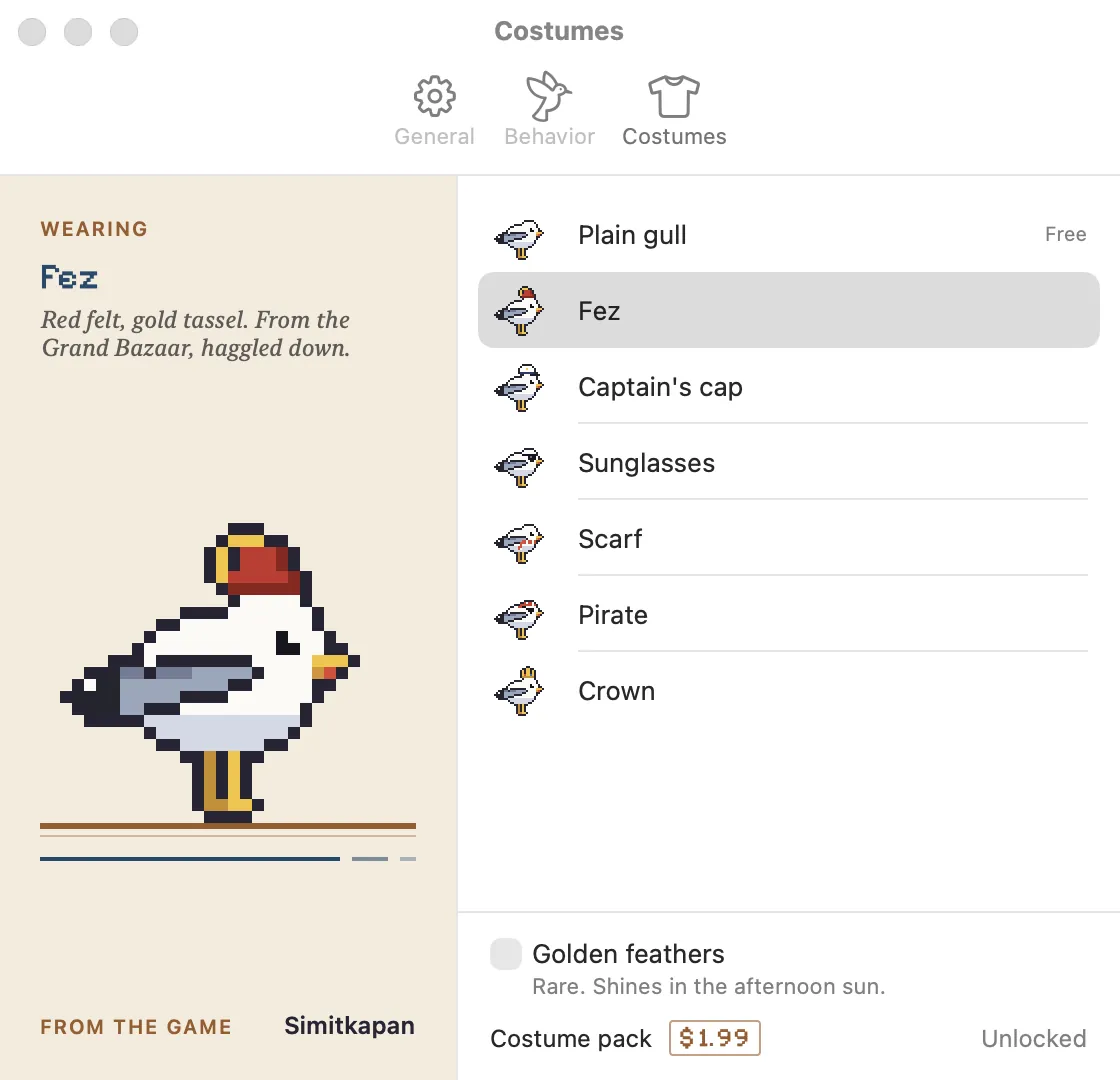
The fez, captain's cap, sunglasses, scarf, pirate, crown and golden feathers come in the Costume Pack: $1.99, paid once. Buy it in Settings › Costumes inside the app or through the link here.
Payments are processed by Polar (polar.sh) as merchant of record. Refunds within 14 days of purchase, no questions asked.
Your license key, receipts and refund requests are on your Polar customer page: polar.sh/erenclick/portal
Terms and refundsPRIVACY
It reads only where your windows are, never what's in them or what they're called. It goes online only to check for updates (eren.click) and, if you bought the Costume Pack, to validate its license (Polar).
Desktop Gull privacy policySUPPORT
destek@eren.click
If something breaks, or you have a question or an idea, write to this address. Mention the app and its version and I can look faster; the Support button in the app's About window fills in both.
SEND AN EMAILQUESTIONS
- How do I unlock the Costume Pack?
- When you buy it, Polar gives you a license key. Paste it into the license field in Settings › Costumes.
- What does Cheeky mode do?
- Now and then the gull pecks another app's window by its title bar and drags it a little. It leaves alone the window you're typing in, full screen, call apps and password managers, and “Put Windows Back” undoes it all. It's off by default.
- Can I get a refund?
- Yes. Within 14 days of purchase you get a refund, no questions asked. Polar handles it: ask through the link in your receipt email or on your Polar customer page (polar.sh/erenclick/portal). If you get stuck, write to destek@eren.click.
- How do updates work?
- Once a day the app checks eren.click for a new version. If there is one, it asks you first; say yes and it downloads and installs it. You can also check any time with “Check for Updates…” in its menu.